
Save a thread
1
Open the shared thread
Open the link you were sent.
2
Click Save
Click Save in the top bar. If you are not signed in, Gistr asks you to sign in first (“Sign in to save and explore more”).
3
Pick a collection
In Save to collection, choose the collection the copy goes into, or click Create Collection to make a new one. Click Save.
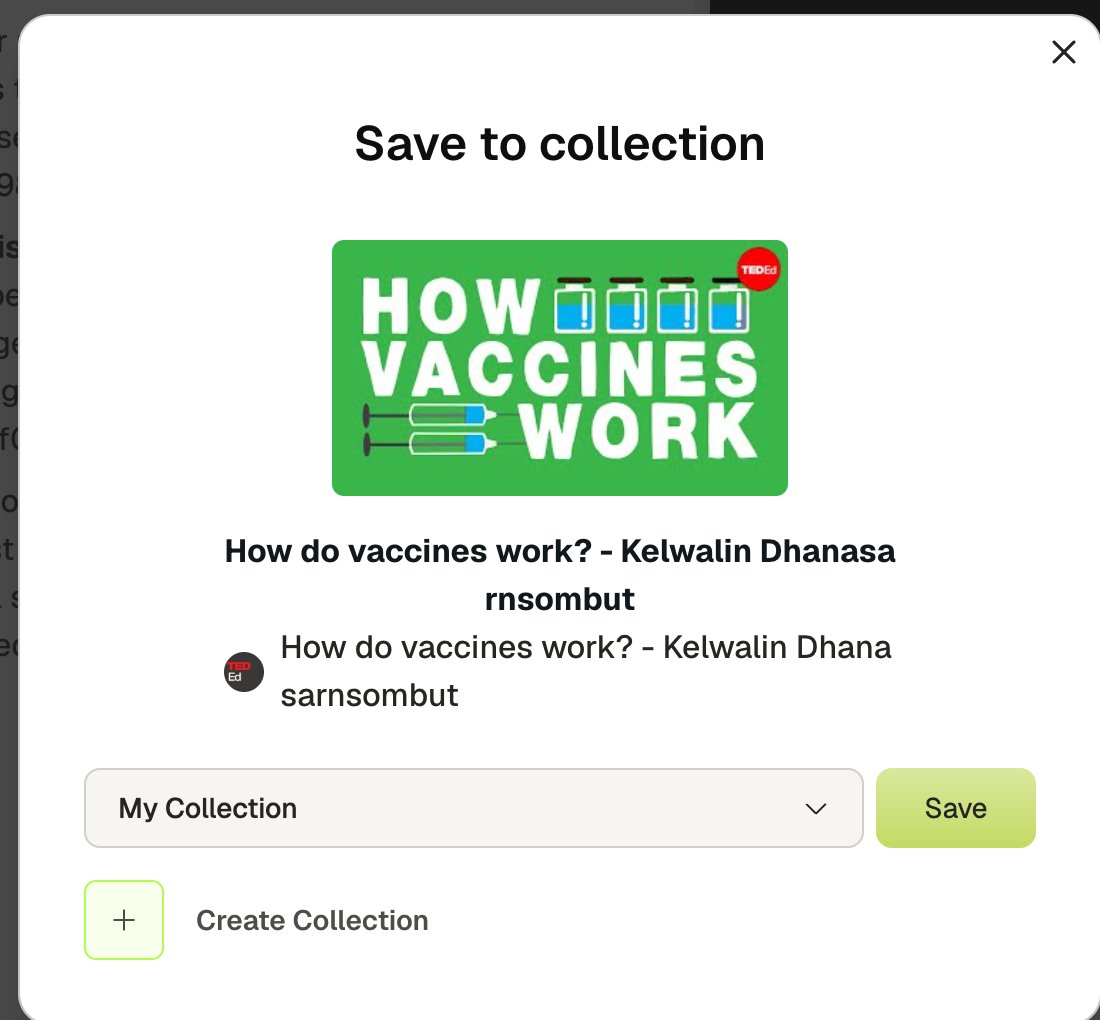
Save a shared thread to a collection
Save a collection
Open the shared collection and click Save Collection. The Save collection dialog shows how many threads it holds. Click Save. Gistr makes a new collection in your library with the same name, description, icon and colour, and copies each thread you can view. A saved collection counts towards your collection limit. If you are at the limit, you need to free up a collection or upgrade. See Plans and passes.What the copy includes
Your copy of a thread includes:- its sources, which also go into your library
- its pages, with notes, clips and annotations
- its Study Space content
To confirm: the code that copies a thread does not touch chats, so the owner’s chats seem not to come with the copy. Engineering to confirm.
When you cannot save
- You cannot save your own thread or collection this way. To reorganise your own items, see Collections, threads and pages.
- You cannot save the same thread twice into the same collection.
- You need a full account. A guest account cannot save a collection.