
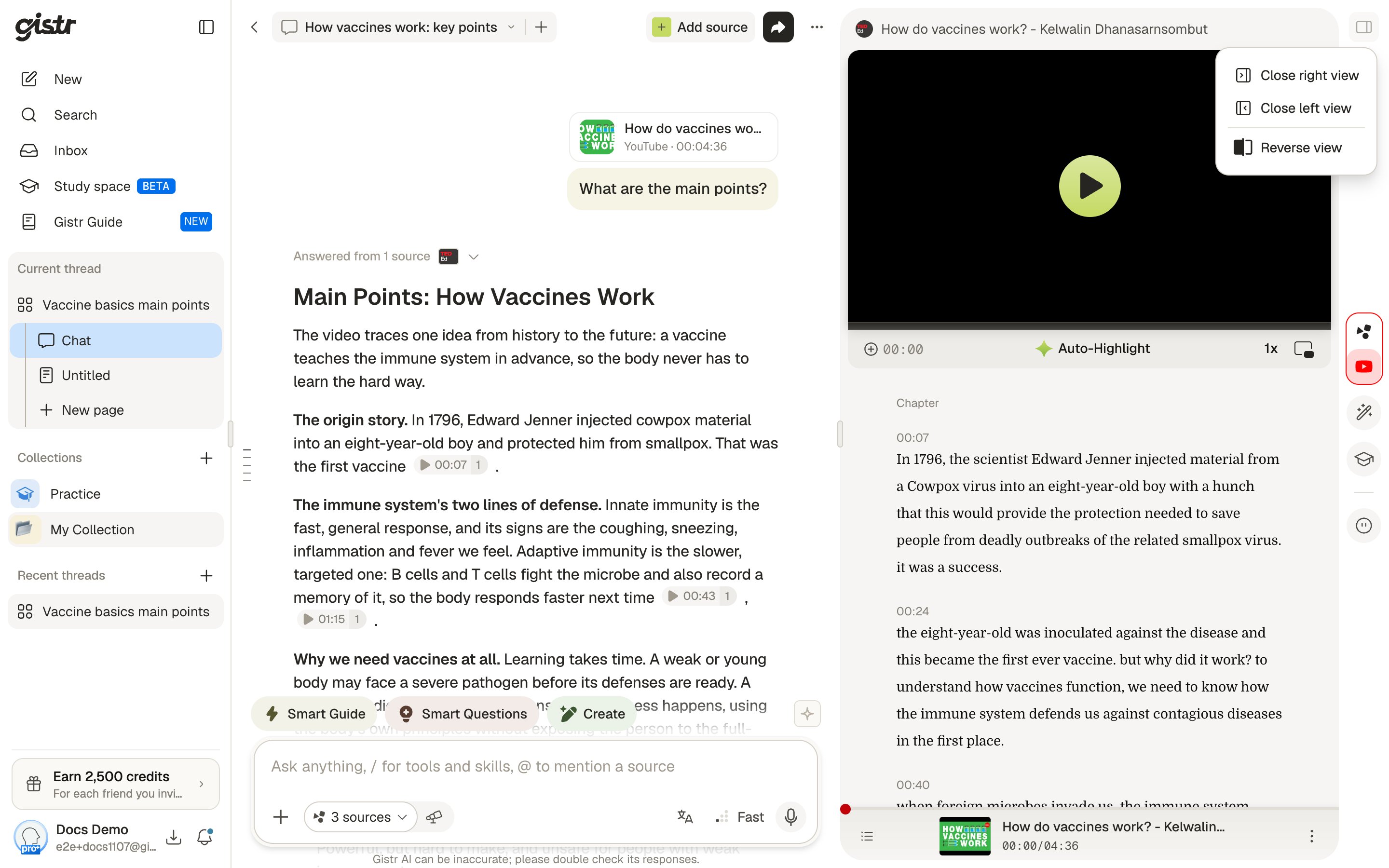
A thread on Chat with the video in the side panel
The parts of a thread
When you add a source in the chat, it opens in the side panel as soon as it is ready to read.
Change the side panel
- Show or hide it: select the panel button in the top bar. Its tooltip reads Show side panel or Hide side panel.
- Swap sides or close one side: hover the same button and choose Reverse view, Close right view or Close left view.
- Resize: drag the handle between the chat and the panel. Gistr remembers the size.
- Switch source: select Sources in the rail to see all sources and pick another.