
A transcript that follows playback
As the media plays, the transcript scrolls to the words being spoken. To read ahead without the transcript jumping back, open Source options and turn off Auto scroll. The toolbar button switches between Auto scroll and Manual scroll.Jump by chapter
Open Chapters in the source’s bottom bar to see the source split into parts. Click a chapter to jump to it. On a phone, Chapters is a tab next to Transcript.Save moments and highlights
A moment is a stretch of the video or podcast you want to keep. It appears on the seek bar and in your notes as a clip with timestamps.- From the transcript
- From the timeline
Select some transcript text. Click Create Moment to save that stretch as a moment, or Create Highlight to mark the text.
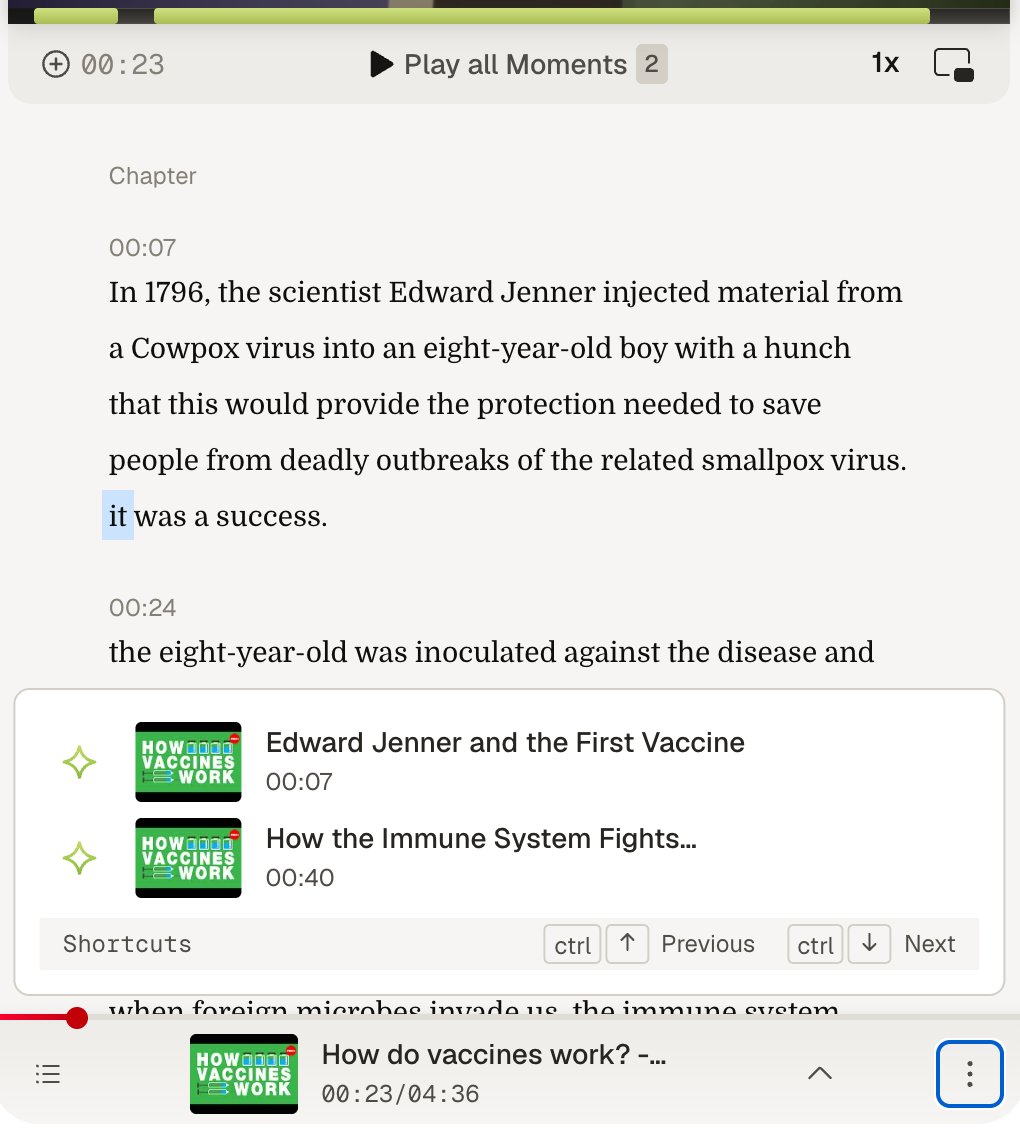
Play all Moments and the moments list
Let Auto-Highlight pick the best parts
Click Auto-Highlight under the seek bar or in the moments list. Gistr AI reads the transcript and saves the most worthwhile stretches as moments, shown as green parts of the seek bar. When it finishes, the button changes to Play all Moments. Auto-Highlight uses credits, and you must be signed in. If the source already has auto highlights, running it again gives you the same ones at no charge. See How credits work.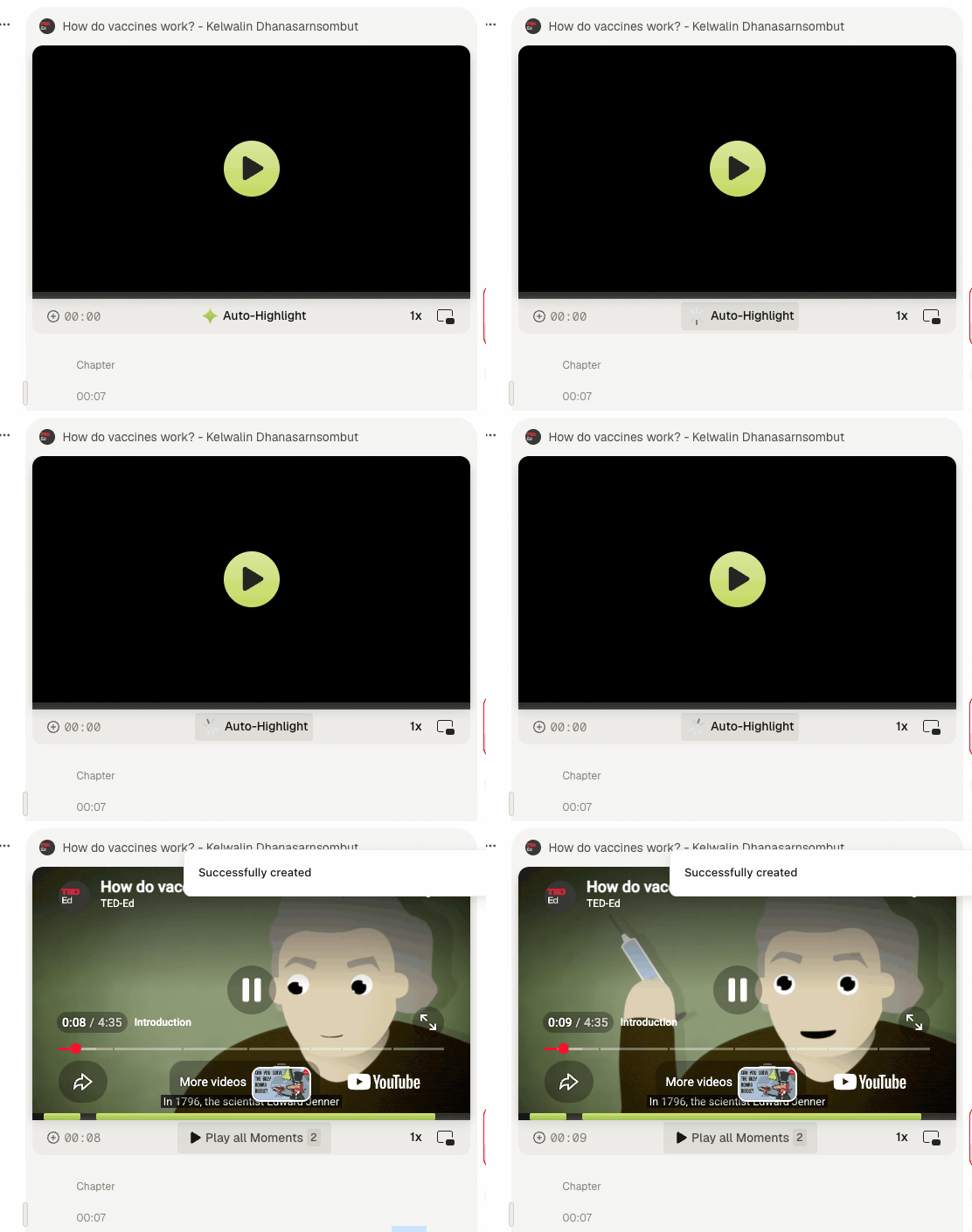
Auto-Highlight adds AI moments to the seek bar
Translate the transcript
1
Open the transcript menu
Open Source options and click Transcript.
2
Pick a language
Under Translate to, click Choose language… and search the list.
3
Wait for it
You see Translating…, then Translation ready. Translated languages carry an AI badge.
Export the transcript
Open Source options and click Export transcript. Choose PDF, Image or Markdown under Download As, and turn Include timestamps on or off. Export needs a paid plan.To confirm: which paid plans include transcript translation and export. The pricing table lists export on Curious, Explorer and Thinker, and translation on Explorer and Thinker. The live plan settings switch both on for Explorer and Thinker only, and the app checks export only against the Free plan.