
What you can make
You can make one reading, flashcard set or quiz on its own. See Make one reading, flashcard set or quiz.
Where to find it
Study Space lives in two places:- In a thread. Select the graduation cap icon (Study space) in the rail at the right of the thread. It opens beside the chat and shows the plans and study tools for that thread only.
- In the sidebar. Select Study space to open the Study page. It shows Due today and your plans and tools from every thread.
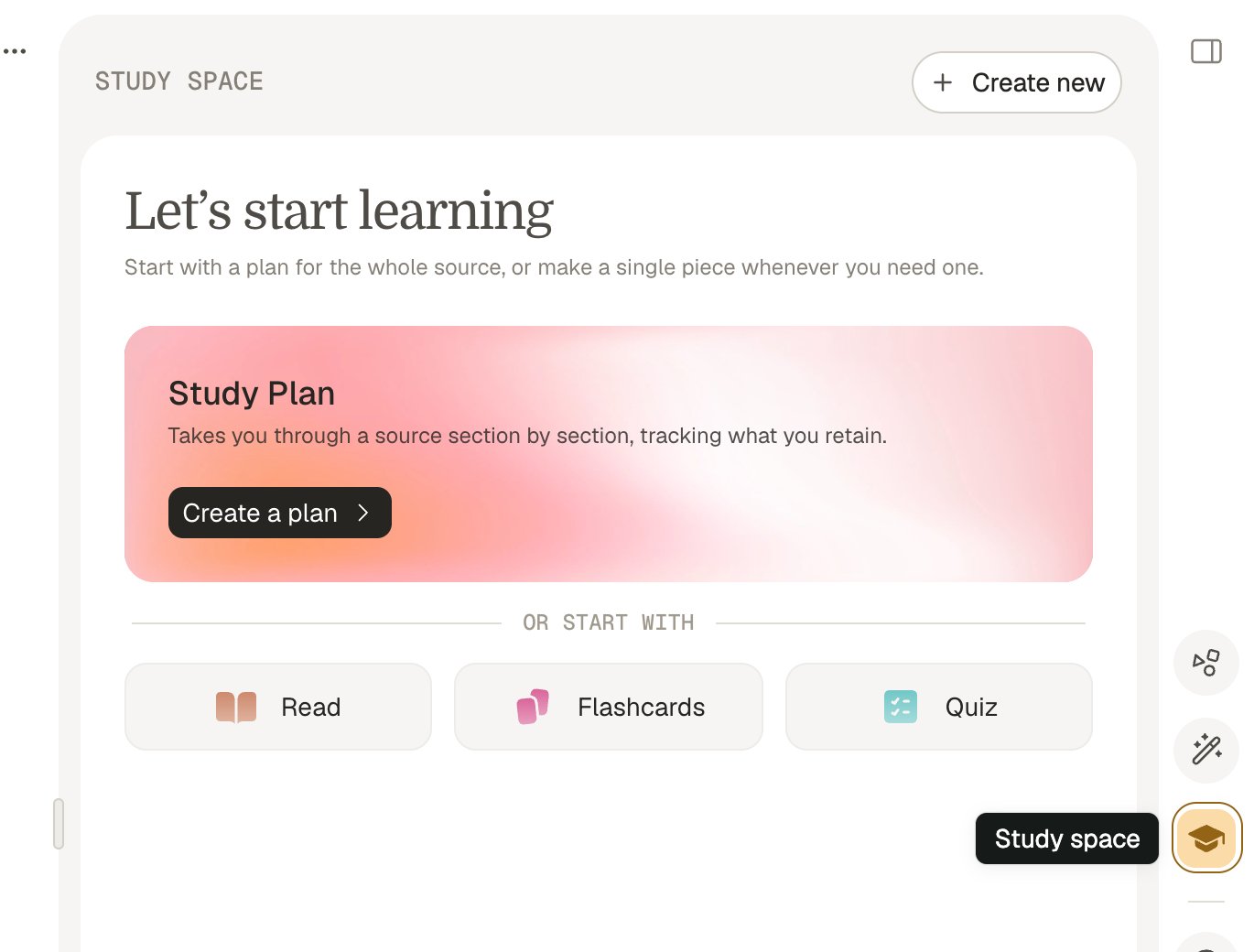
Study Space opens from the graduation cap icon in the thread
How it remembers for you
Each card and question has its own review date. When you rate a card, Gistr moves its next review closer or further away. One daily review collects everything that is due, across all your threads. See Your daily review. A daily goal, a streak and reminders help you come back each day. See Goals, streaks and reminders.What it costs
Study is free on the default study model. In the create screens, AI model is set to Auto, which is that free model. You can pick another model under More options. That model uses credits for the text it writes, and some models need a paid plan. See How credits work and Models in Gistr. Two details:- Listen on a reading uses read-aloud. Read-aloud is not part of the free study model: it has its own price and plan limit.
- New cards that Gistr writes for your weak spots are never charged.
What Study needs from a source
Gistr only writes study material from text it could read. A scanned PDF with no readable text, or a very short source, is refused with a reason. A source that is still processing must finish first.On a thread someone shared with you, you see the owner’s study material read-only. You can try a set or quiz, but nothing you answer is saved. To make your own material, select Create new: Gistr saves a copy of the thread to your library and opens Study Space in the copy.